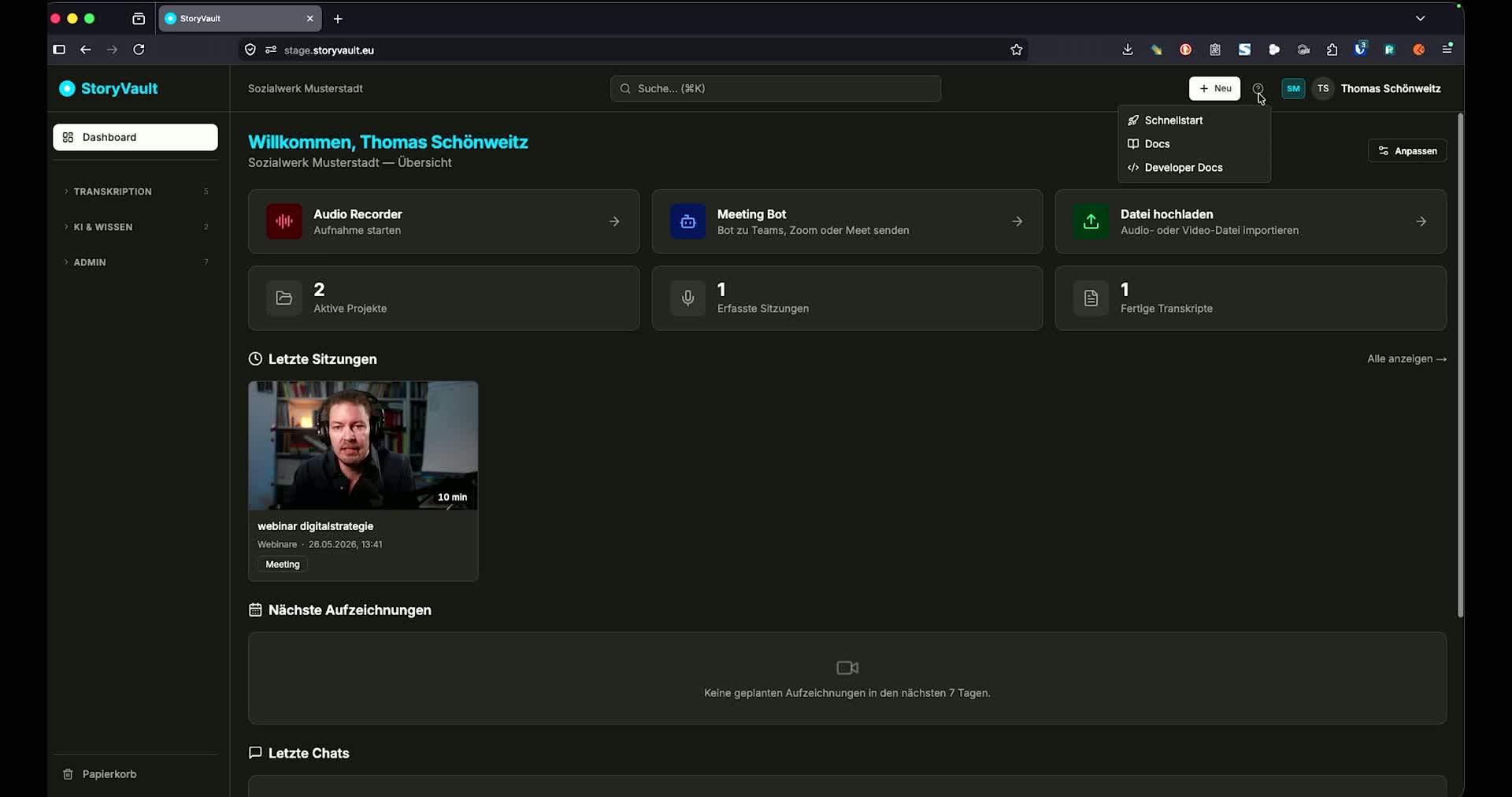
Transcription
Upload recordings, use the Meeting Bot, read and share transcripts. Available for all customers. To Transcription →
StoryVault is modular. Not every organization uses all features. The documentation is organized by module — so you can quickly find what’s relevant to you.
Transcription
Upload recordings, use the Meeting Bot, read and share transcripts. Available for all customers. To Transcription →
Apps
StoryVault on all devices — web app, Progressive Web App, and native iPhone app. Available for all customers. To Apps →
AI Features
Analyze sessions and projects with AI. Standalone chat with file upload. For customers with the AI module. To AI Features →
Processes
Model workflows as BPMN diagrams, link sources and participants, and review changes together. To Processes →
Qualitative Analysis
Codebooks, transcript coding, AI suggestions, and reports for interview and session analysis. For customers with the Coding module. To Qualitative Coding →
LMS — Learning & Courses
Work through courses, complete quizzes, or create your own training. For customers with the LMS module. To Learning →
Knowledge Store
Consolidate knowledge from transcripts, documents, and texts and search with AI. For customers with the Knowledge module. To Knowledge Store →
Integrations & API
Claude integration (MCP), API access, and programmatic connection. For customers with the API module. To Integrations →
Administration
Manage users, create groups, assign mandatory courses, view costs. For administrators. To Administration →
Customers with the API module have access to the full technical developer documentation: API reference, authentication, code examples, and MCP tools. It is accessible after logging in via the API Documentation menu item.