AI chat and interview guide
Use KI-Chat to talk to the process assistant. Ask questions about the current model or request a specific change. The assistant considers the current process version; link the relevant sources when a claim needs to be grounded in a session.
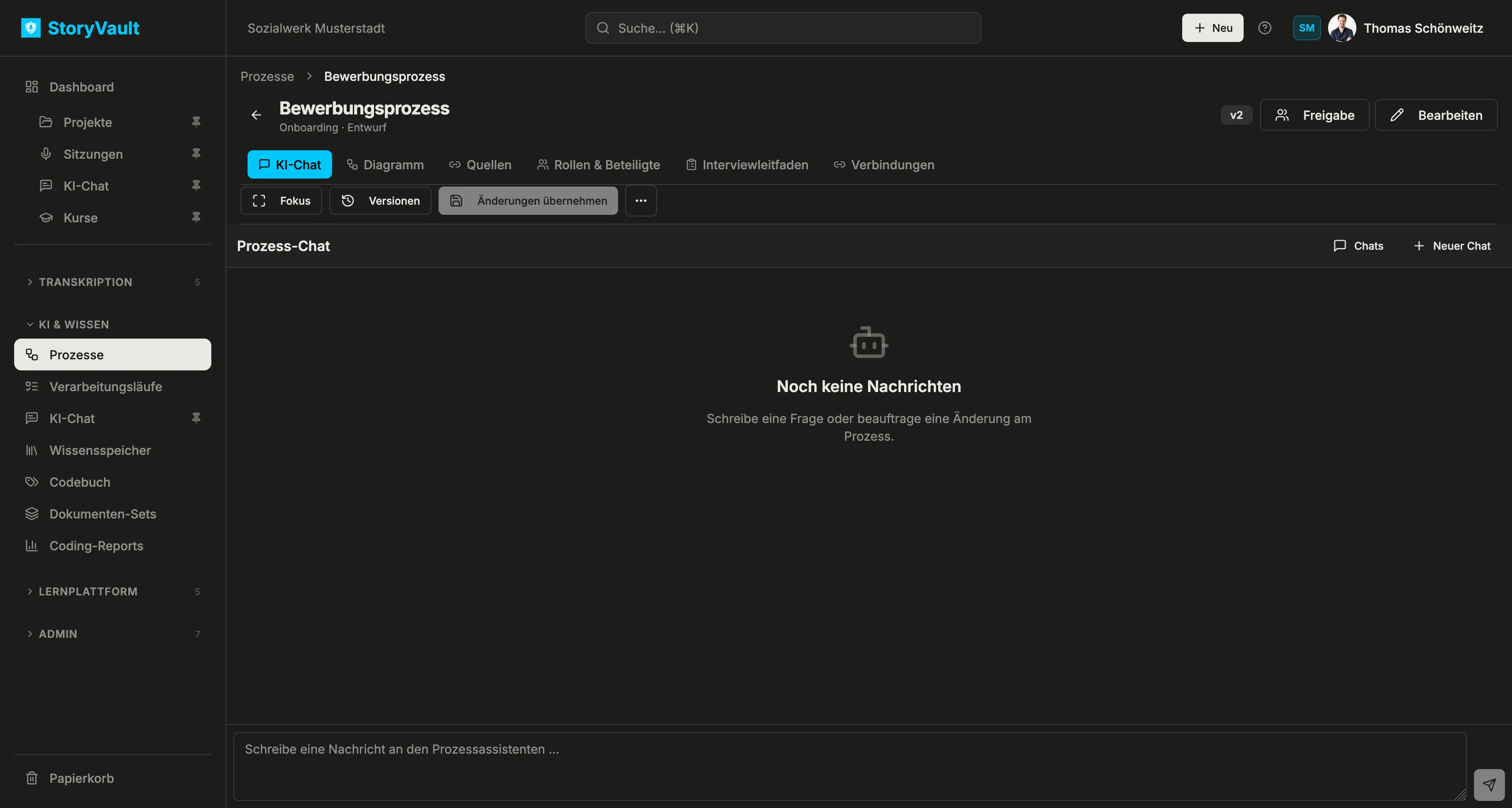
Ask questions or request changes
Section titled “Ask questions or request changes”Describe the outcome in the message field. You do not have to select a task mode. If the request is ambiguous, the assistant can ask a follow-up question. Examples include:
- “Which decision leads to rejection in the application process?”
- “Add a lane for the IT team.”
- “Shorten the description of the onboarding step.”
- “Draft interview questions about unclear handoffs.”
Chats switches between your conversations; Neuer Chat starts another one. Your chat history is personal. Other process editors see shared saved model changes, not your conversation. You can also find longer jobs under Verarbeitungsläufe in the sidebar. A proposed change does not alter the saved process merely by appearing in a reply. Review the proposal and accept only the desired version. If a newer version has been saved in the meantime, review the change against that newer state.
Maintain an interview guide
Section titled “Maintain an interview guide”Use Interviewleitfaden to collect questions for further conversations. In the imported example, the guide asks whether all posting steps occur, how often applications arrive outside the portal, and who makes the selection decision. Such questions help separate assumptions in the diagram from confirmed practice.
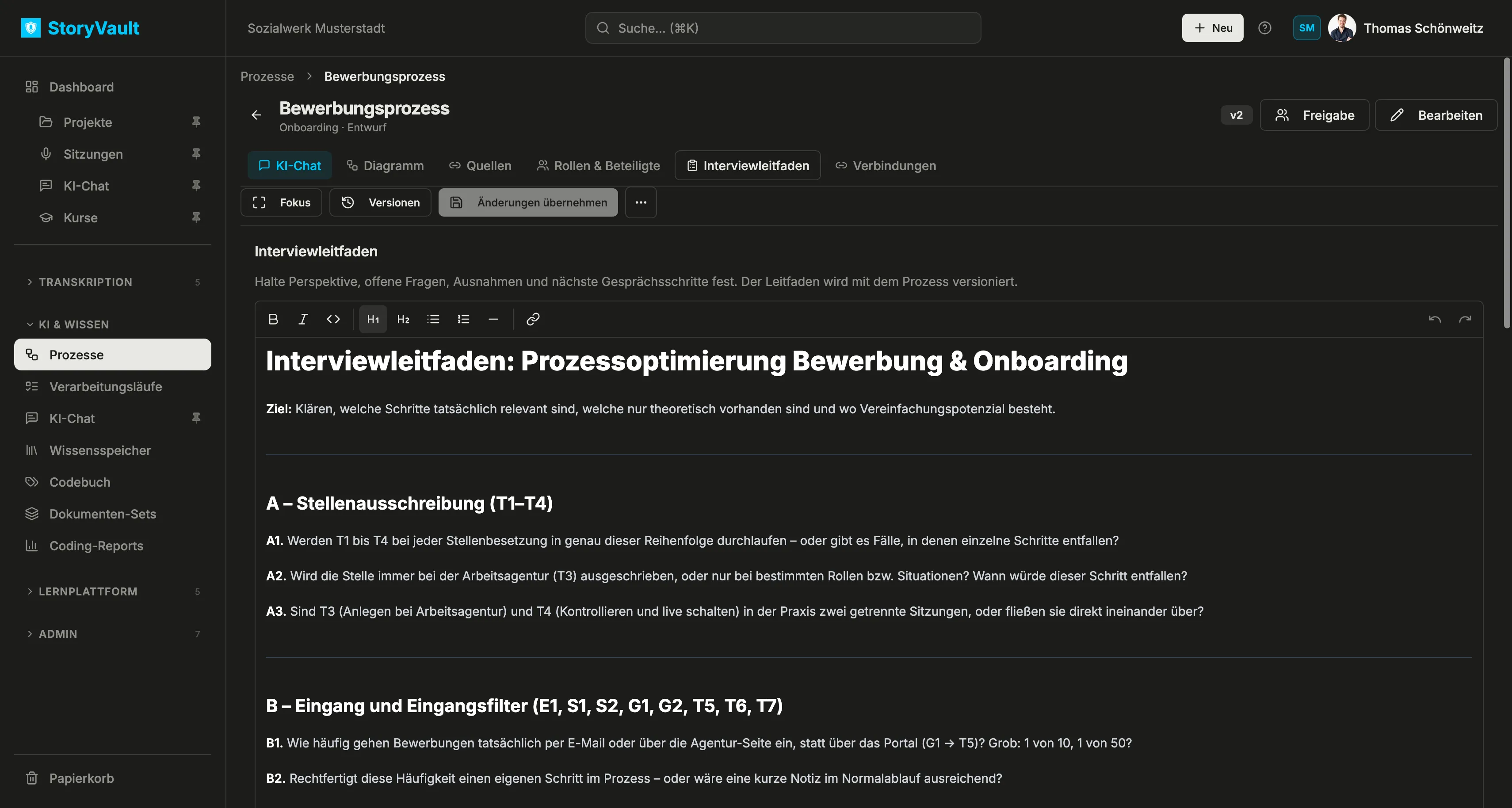
The editor supports headings, lists, emphasis, separators, and links. The guide is versioned with the process. Recorder mit gespeichertem Leitfaden öffnen opens the recorder with the saved guide. After the conversation, compare its answers with the model; recording a new interview does not automatically redraw the diagram.
See also Edit a diagram and Compare versions.