Versions, access, and export
Each accepted edit creates a process version. This lets editors see what changed before accepting another proposal or restoring an earlier state.
Compare versions
Section titled “Compare versions”Select Versionen in a process. Choose Von and Vergleichen mit, or move the sliders. The dialog places both diagrams side by side and lists changes to elements and details. Use Nächste and Vorherige to move through differences; Layoutänderungen anzeigen includes position-only changes when needed.
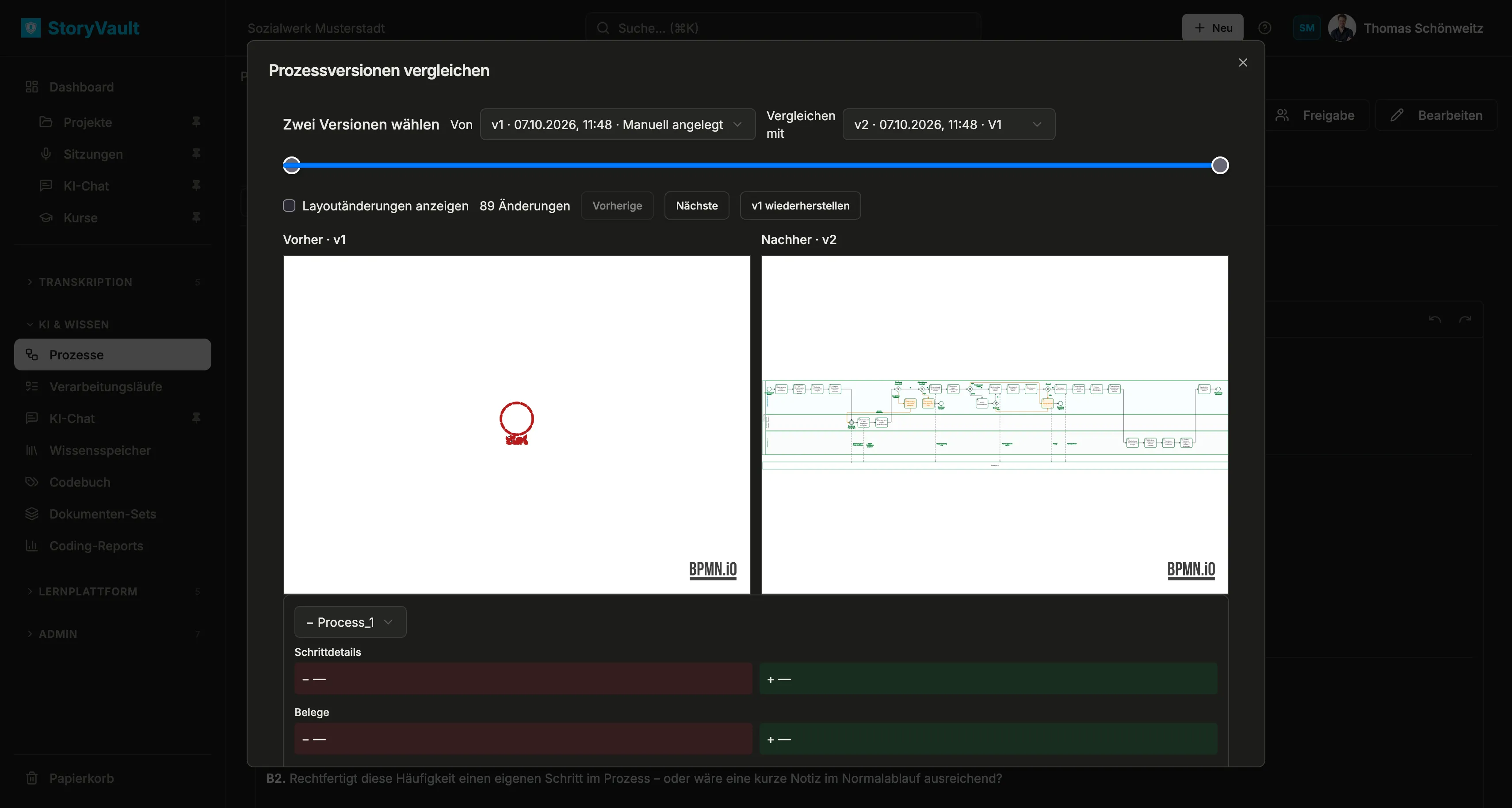
Use wiederherstellen if an earlier state should become the starting point again. First check which later business changes you would leave behind.
Control process access
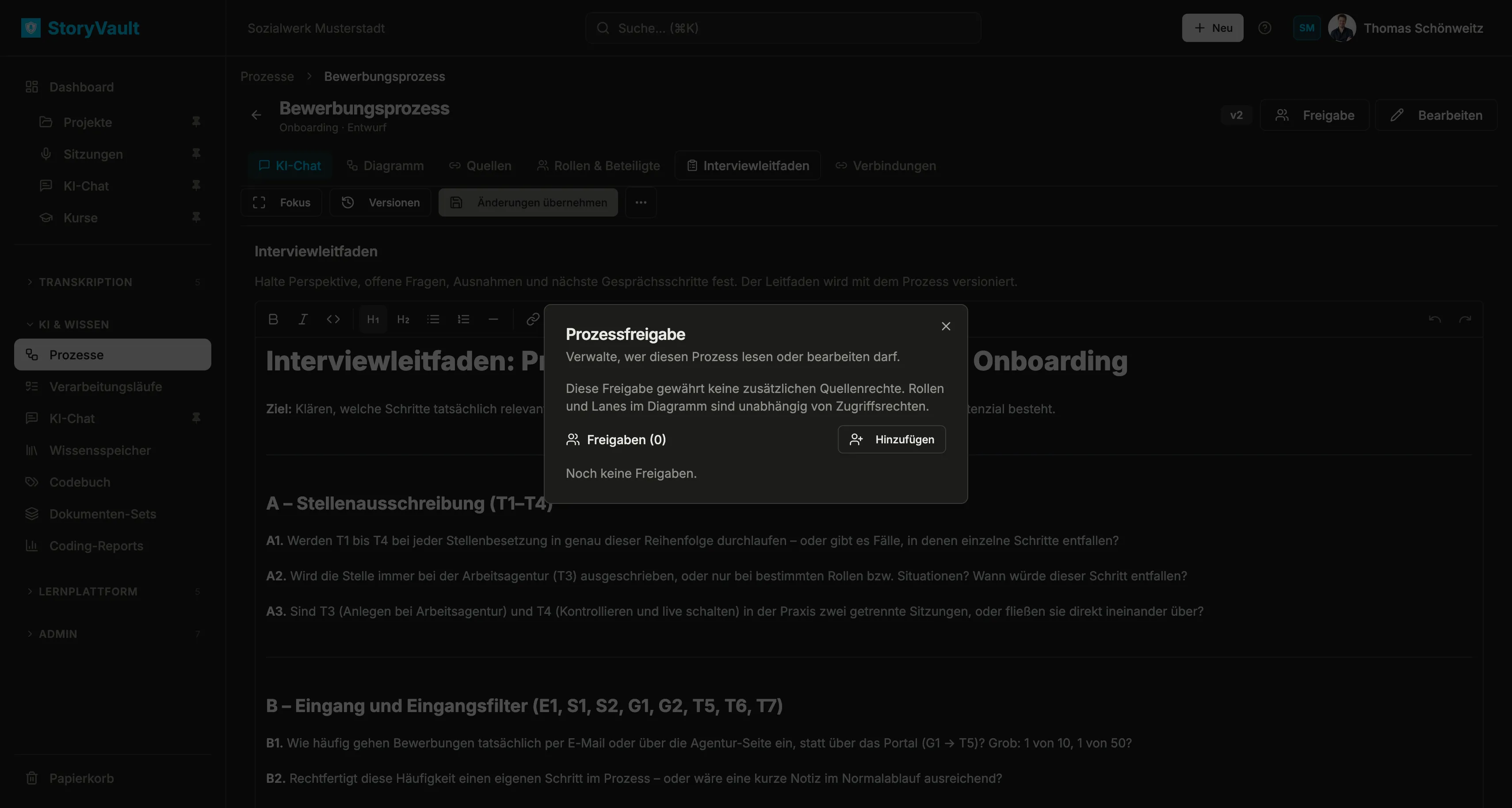
Section titled “Control process access”Freigabe in the process header determines who may read or edit the process. The dialog lists existing access grants and lets you add people. Process access does not replace permissions on a linked session, nor does it define the business roles and lanes in the diagram.
Import, export, and archive
Section titled “Import, export, and archive”The process … menu contains Import and Export. Import is useful when a diagram already exists in another BPMN tool. It replaces the diagram in the current draft while saved versions remain available. Check its lanes, labels, step assignments, and evidence in the editor and save the desired state as a new version.
Choose an export format:
| Format | Contents |
|---|---|
| SVG or PNG | Diagram image |
| BPMN, DOCX, or PDF | Diagram or process documentation with descriptions, roles, systems, and process details |
Quellenverweise und Belegzuordnungen einschließen (include source references and evidence assignments) is off by default. Enable it only when the recipient needs that information. Descriptions may contain interview content; review the file before sharing it.
Archive a process from the process list when it is no longer active. It remains available under Archiv and can be restored. Use the Status field in the edit dialog for its business review state instead.