Calendar
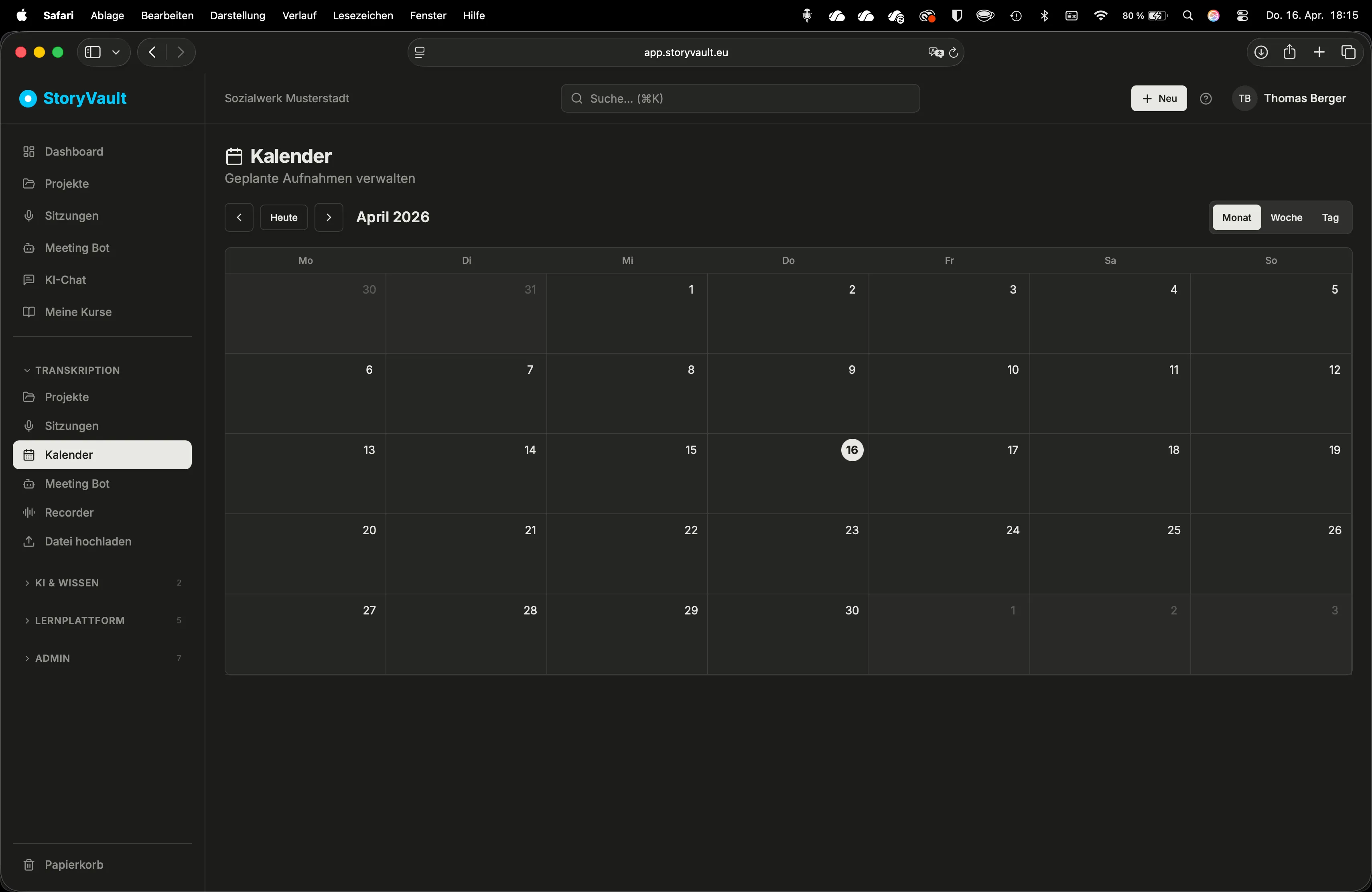
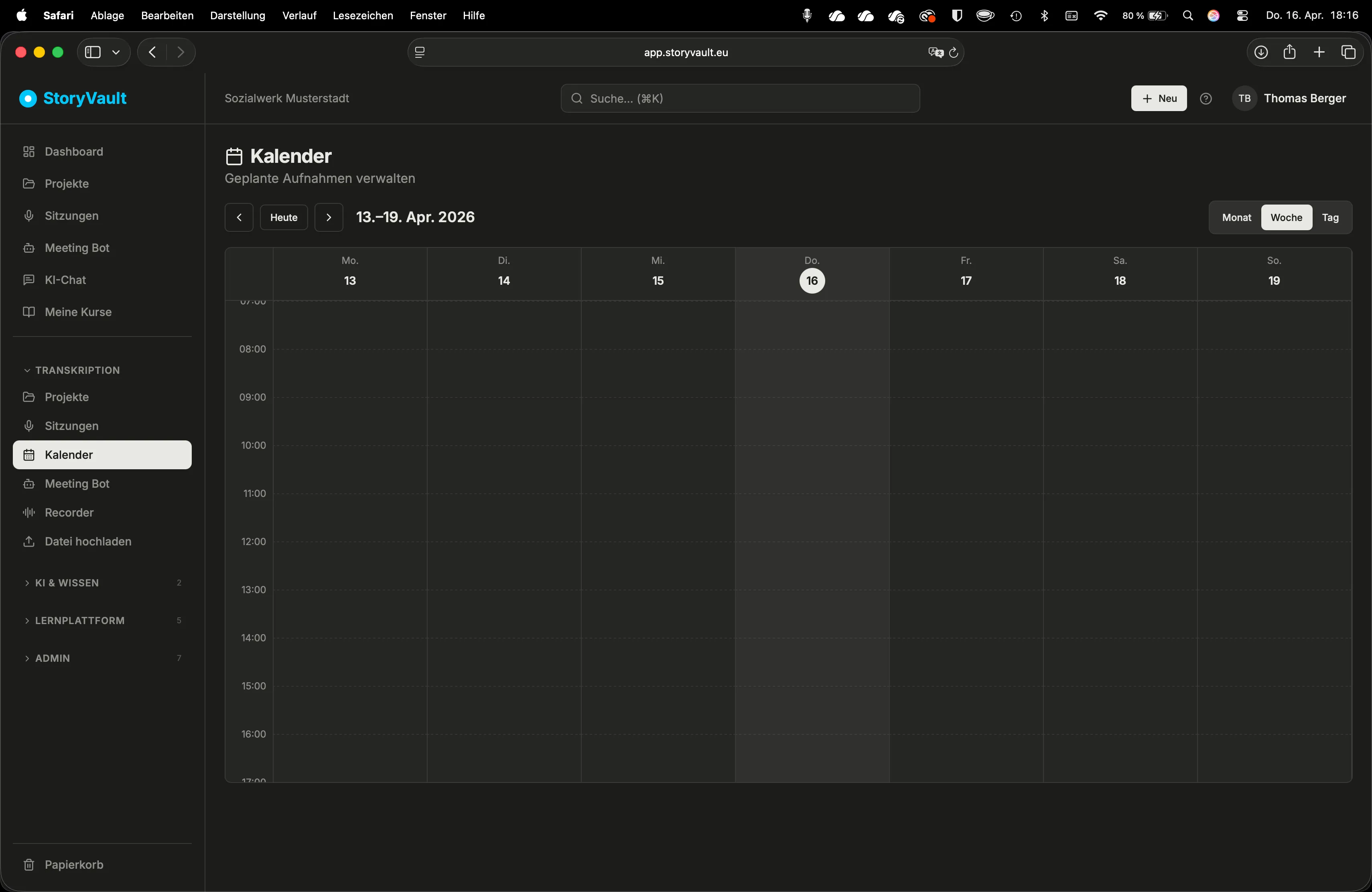
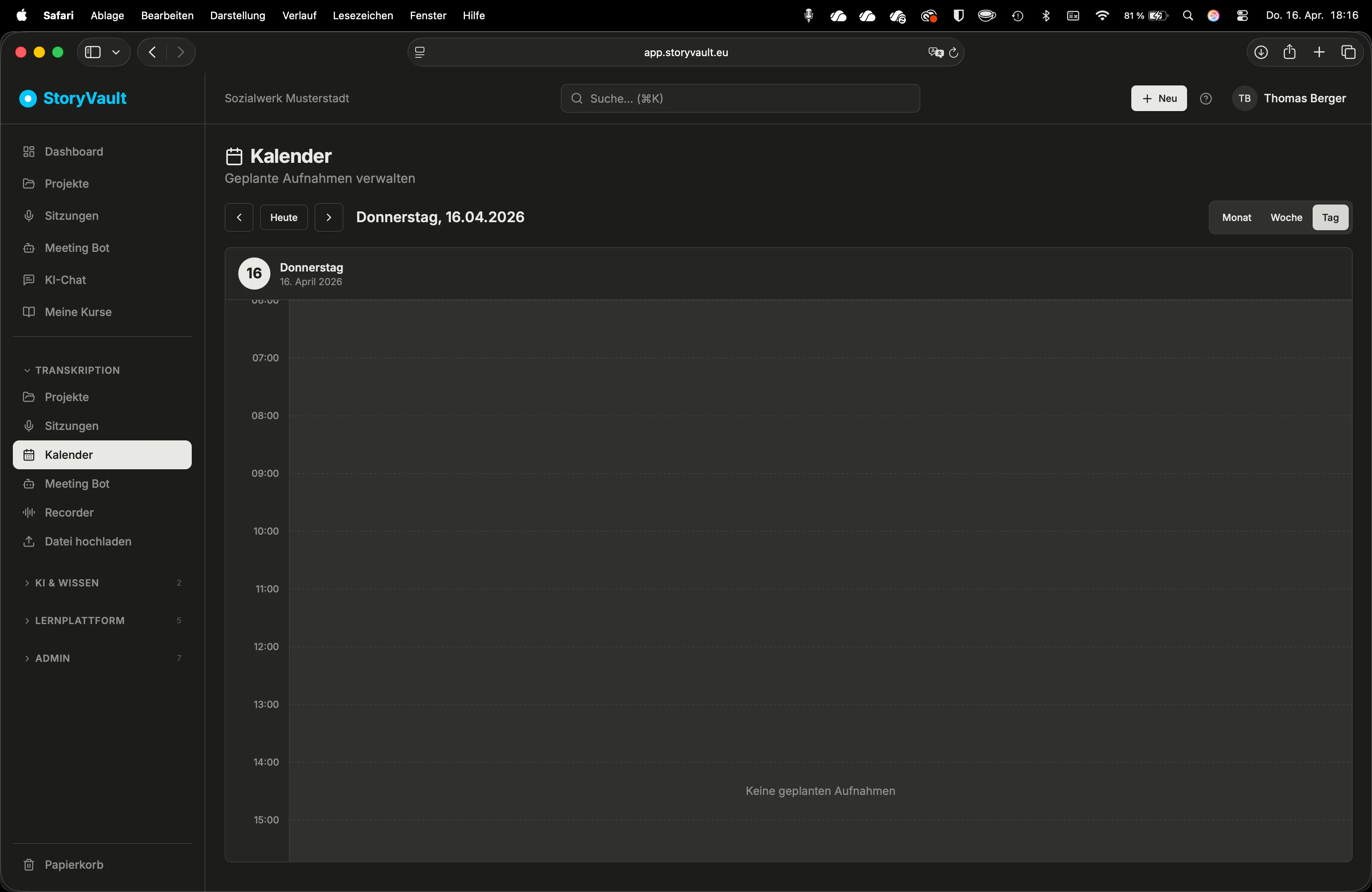
All scheduled recordings — whether via email or manually — are visible in the calendar.
| View | Description |
|---|---|
| Month | Overview of which days have scheduled recordings |
| Week | Time grid like a standard calendar |
| Day | Detailed daily view |
Details and Management
Section titled “Details and Management”Click on an entry for details: meeting URL, planned start time, project, and type. Scheduled recordings can be cancelled at any time.
The calendar updates automatically every 30 seconds. Past recordings remain visible as a chronological overview.
This page corresponds to the onboarding video “Module 2, Lesson 2.5 — Calendar”.