Sources and participants
A process is easier to understand when you record where information came from and who or what is involved. Use the Quellen, Rollen & Beteiligte, and Verbindungen tabs for these relationships.
Link sessions as sources
Section titled “Link sessions as sources”In Quellen, search for an existing session and select Verknüpfen. For example, an interview can document how part of the workflow is carried out. The demo application process has no linked session yet, so the screenshot shows the session search.
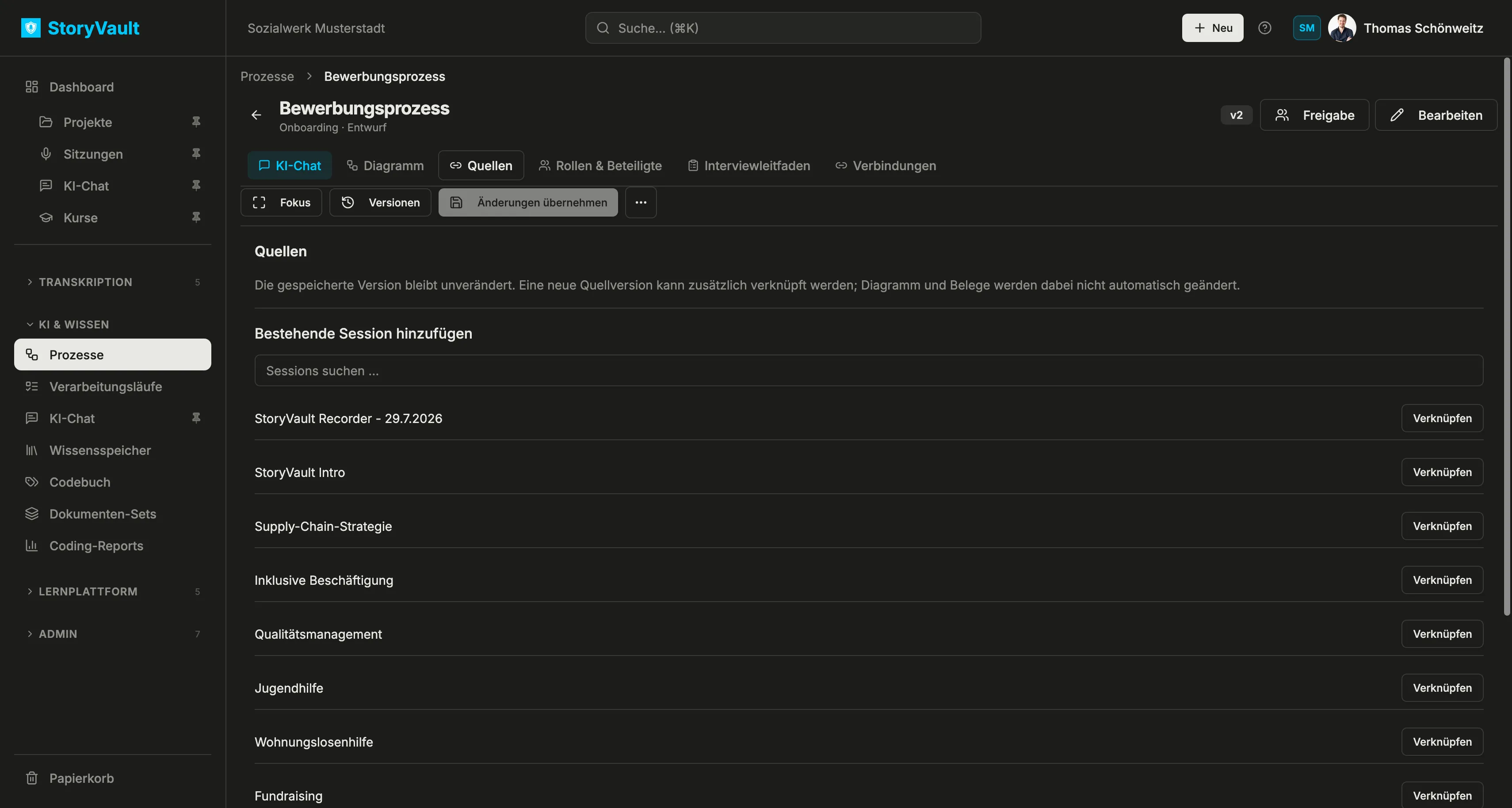
The link records the source version used. If another transcript version becomes available, you can link it as well. Neither the diagram nor its evidence changes automatically. First check whether the new statement calls for a model update.
Organize roles, organizations, and systems
Section titled “Organize roles, organizations, and systems”The Rollen & Beteiligte tab distinguishes three types:
| Type | Example | Meaning |
|---|---|---|
| Role | HR | A function or responsibility in the workflow |
| Organization | whitespring | An organization involved |
| System | HubSpot | An application or technical system used |
Search by name or description, filter by type, and use sorting to navigate a large list. Archivierte shows archived entries. The Rolle, Organisation, and System buttons create new entries.
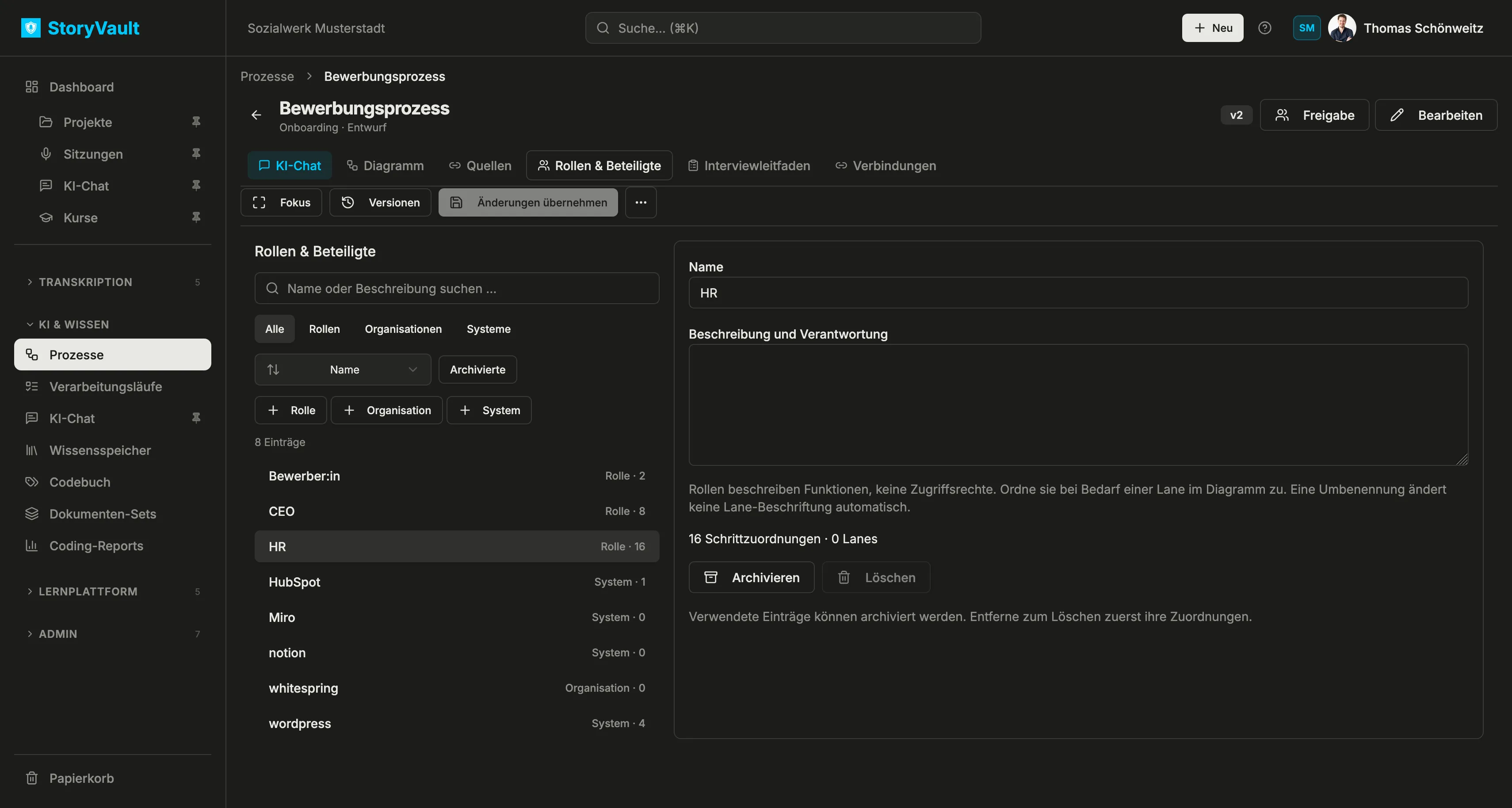
In the example, HR has 16 step assignments. This counts usage, not access rights. Renaming a role does not automatically rename a lane. You can archive an entry that is in use; remove its assignments before deleting it.
Connect processes
Section titled “Connect processes”Use Verbindungen to record a relationship with another process, such as a handoff or subprocess. A shared source session does not create a process connection by itself; add the business relationship explicitly.
Next: AI chat and interview guide.